Ariadne – a new chapter for Modell Aachen and orgavision!
Discover Ariadne
The company-wide AI search for your verified process knowledge: Ask questions right in the chat—right where you work anyway.


Want to make your valuable, verified knowledge from Q.wiki available to AI tools? The MCP interface in Q.wiki makes exactly that possible. Finally, your AI responds based on your verified process knowledge—reliable instead of made-up.

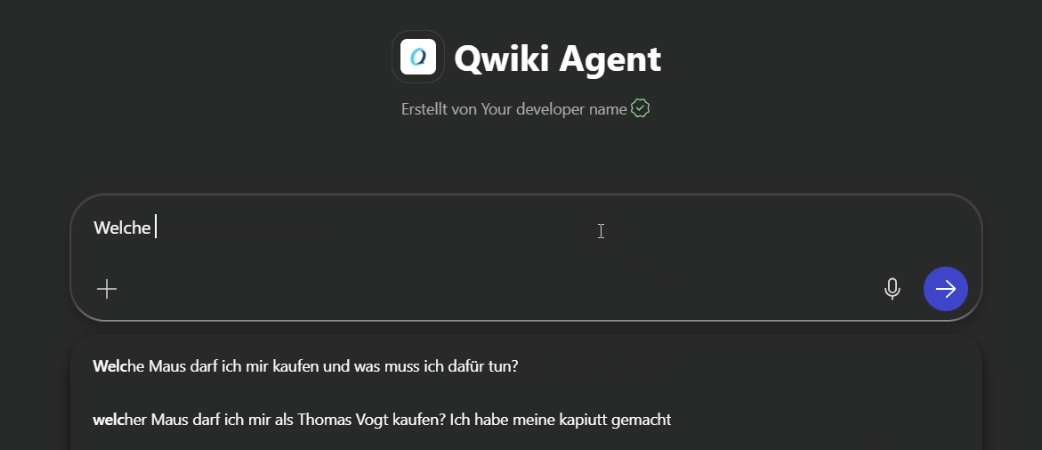
General AI tools draw their answers from the Internet—not from your verified knowledge. The result may sound plausible, but it’s likely incorrect. In a regulated environment, this poses a real risk.
The verified knowledge is in Q.wiki—but work, searches, and questions happen elsewhere: in chat, in Copilot, in tickets. That costs time every day.
Clicking through directories, searching by keyword, asking colleagues. By the time the right process description is found, the workflow has long since been interrupted.
“AI in knowledge management” sounds like months of integration, budget, and IT resources. This is exactly why many companies keep putting off getting started.
As soon as AI accesses corporate knowledge, the question of permissions arises. Without proper consideration of read permissions, convenience quickly turns into a compliance issue.
Content is manually copied from Q.wiki into other tools. As soon as something changes, the copy becomes outdated—and no one notices.
The connection is established via MCP (Model Context Protocol)—an open standard that allows AI tools to securely access applications like Q.wiki. No IT project required.
Book a free product demoActivate the MCP interface in your Q.wiki.
Enter the MCP address in your AI tool.
Authorize and approve the connection.
Access your knowledge directly in the chat.

Ask your question directly in the chat—the AI will respond based on your verified Q.wiki knowledge, including the source. No more clicking through directories.
Your benefit: Answers you can rely on—traceable all the way back to the source.
See where changes that affect you have been made in the last few days.
Your benefit: You won’t miss any relevant changes—without having to check manually.


Your AI acts as a second set of eyes: It reviews your pages, identifies gaps and inconsistencies, and posts the note directly as a comment in Q.wiki. You have the final say.
Your benefit: Higher-quality process descriptions—the decision remains yours.
The MCP interface makes your verified Q.wiki knowledge available to the AI—what you do with it depends on the AI tool you connect to it. And it’s getting more powerful all the time. Even today, you can ask questions like:

MCP (Model Context Protocol) is an open standard that allows AI tools to access applications such as Q.wiki in a secure and structured way. The AI draws on your verified knowledge rather than “guessing” it from the internet.
MCP is part of the Content API family. While the Content API brings your knowledge into corporate searches, dashboards, or your own applications, for example, MCP is the AI-native approach: your knowledge is available directly in your AI assistant’s chat.
With MCP-compatible tools such as Microsoft Copilot, Claude, or your own AI platform. Since MCP is an open standard, the number of compatible tools is constantly growing.
The AI responds solely based on the Q.wiki content you've shared and always cites the source. This means the answers are always verifiable and firmly rooted in your verified knowledge—rather than being made up.
No. Activate the module, enter the MCP address in the AI tool, enable the connection, and get started. The module is ready to use in just a few steps—no major project and no lengthy integration phase required. We also provide detailed instructions that make the setup process easy to follow and allow you to get it up and running in no time.
No. The added value comes from your verified Q.wiki knowledge—without this foundation, there would be no reliable source of answers.

Simply visualize processes using the standardized BPMN 2.0 notation.

Implement all relevant standard requirements digitally and easily — regardless of whether ISO 9001, ISO 14001, etc.

Here you can find all the modules we offer. Just click through.



We are happy to provide you with inspiring content, current events and news.



